How to save recipes from TikTok
There are three ways to save a recipe from TikTok: add the video to your Favorites, screenshot the ingredients, or send the video to a recipe app that extracts the full recipe. Only the third gives you an ingredient list you can cook and shop from. Here is how each one works, and where it falls short.
Last updated July 11, 2026
Why TikTok Favorites lose your recipes
Favorites feel like saving, but they are just a pile of videos. There is no search by ingredient, no ingredient list, and no way to find that pasta video from last month without scrolling everything you ever saved. If the creator deletes the video or goes private, the recipe is gone. And when the recipe is only spoken out loud, you have to rewatch the whole video at the stove, pausing with wet hands.
Screenshots are not recipes either
Screenshotting the ingredient list feels faster, and it does survive deletion. But a screenshot cannot scale from two servings to four, cannot merge with other recipes into a grocery list, and disappears into your camera roll between memes and receipts. Most TikTok recipes never show a full written list anyway: half the quantities are only said out loud.
The reliable way: turn the video into a structured recipe
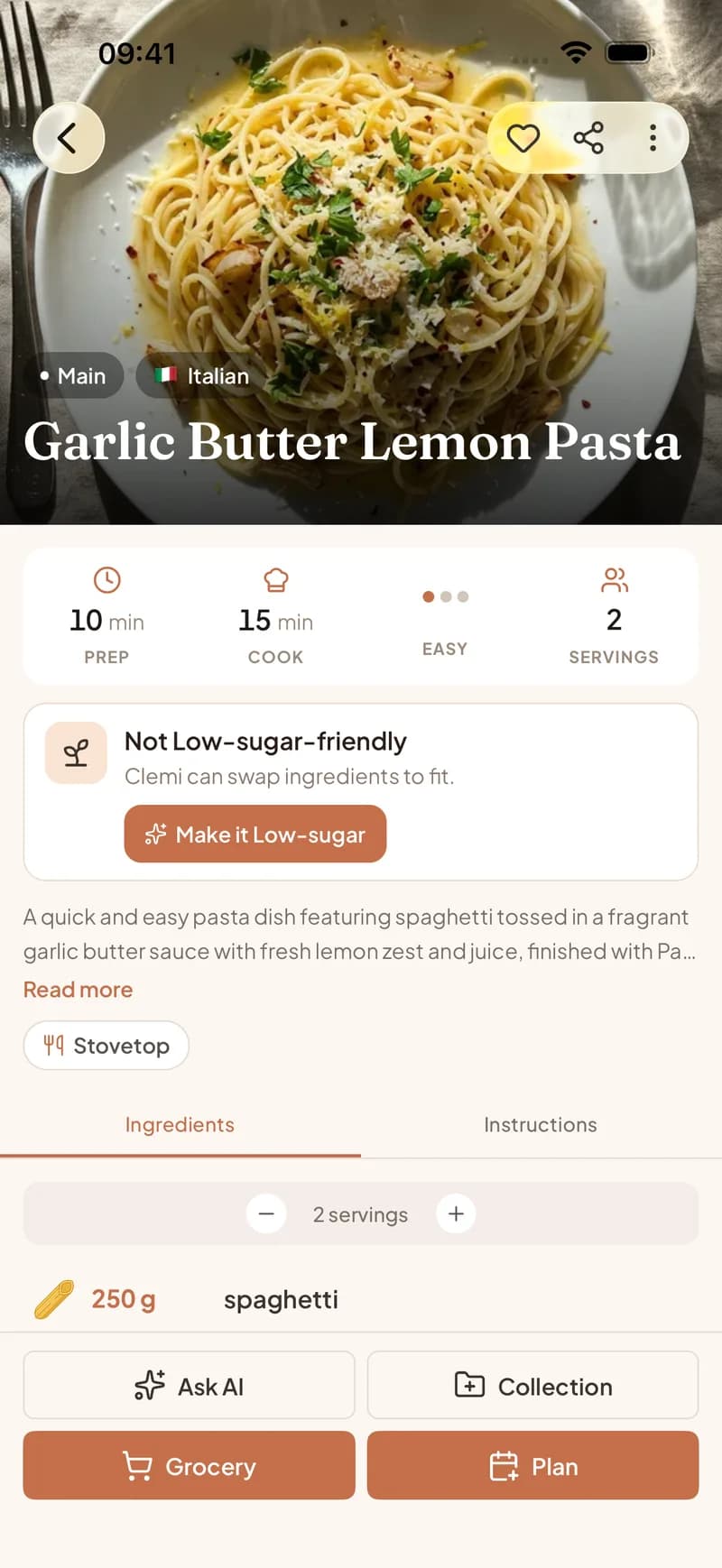
A recipe importer solves all of it. Share the TikTok to Clemi, or paste the link, and the AI watches the video, reads the caption, and listens to the audio. Out comes a structured recipe: ingredients with quantities, numbered steps, servings, and a link back to the creator. The recipe is stored in your library, so it survives even if the original video disappears.
What happens after the recipe leaves TikTok
Once the video is a real recipe, it starts working for you. Drop it onto this week's meal plan. Send its ingredients to your grocery list in one tap, merged with everything else you are cooking and sorted by aisle. Share it with your household so the person shopping tonight has it too. Ask the built-in assistant to double it or make it dairy-free. None of that is possible with a favorited video.
Save a TikTok recipe in three steps
- 1
Share the video to Clemi
Tap the Share arrow on the TikTok and pick Clemi, or copy the link and paste it into the app. Short vm.tiktok.com links work too.
- 2
Let the AI extract the recipe
Clemi analyzes the video, the caption, and the audio, so it catches the recipe even when nothing is written down.
- 3
Cook, plan, and shop from it
The recipe lands in your library with ingredients and steps, ready for your meal plan and your grocery list.
Frequently asked questions
Does it work when the recipe is only spoken in the video?
Yes. The AI listens to the audio along with reading the caption and watching the frames, so a talked-through recipe still comes out as a structured ingredient list and steps.
Can I save recipes from private TikTok accounts?
No. Only public videos can be imported. If the account is private, the video content is not accessible to any app.
What if the creator deletes the video later?
Your recipe survives. The ingredients and steps are extracted and stored in your library at import time, independent of the original video.
Is importing TikTok recipes free?
Clemi is free to download and includes free imports, so you can try it with a real video before deciding anything. Premium unlocks more.
Keep reading
Your favorites folder deserves better
Import your first TikTok recipe in under a minute. Free on iOS and Android.
Get Clemi free