How to save recipes from Instagram
You can save an Instagram recipe three ways: tap the bookmark icon into a saved collection, screenshot the caption, or share the Reel to a recipe app that extracts the ingredients and steps. The bookmark is fastest but nearly useless at dinner time. Here is why, and what to do instead.
Last updated July 11, 2026
Why saved posts never get cooked
Instagram's bookmark buries recipes two taps deep in a grid of everything else you ever saved. There is no search, no ingredient list, and no reminder that the recipe exists. The save feels productive in the moment, and that is usually the last time you see it. When the recipe lives in the audio of a Reel rather than the caption, even finding the quantities means rewatching with the volume up.
Captions lie, and screenshots freeze the lie
Many creators write the full recipe in the caption, which makes screenshots tempting. But plenty of Reels have no written recipe at all, or a partial one, with the real quantities spoken over the video. A screenshot also cannot scale servings, join a grocery list, or be found by searching for chicken next month.
Share the Reel to an app that reads all of it
Share the Reel to Clemi, or paste its link, and the AI reads the caption, watches the video, and listens to the audio together. Wherever the creator put the recipe, it comes out the other side as a structured recipe: ingredients with quantities, numbered steps, and servings. It works for Reels and regular video posts, from any public account.
From saved to cooked
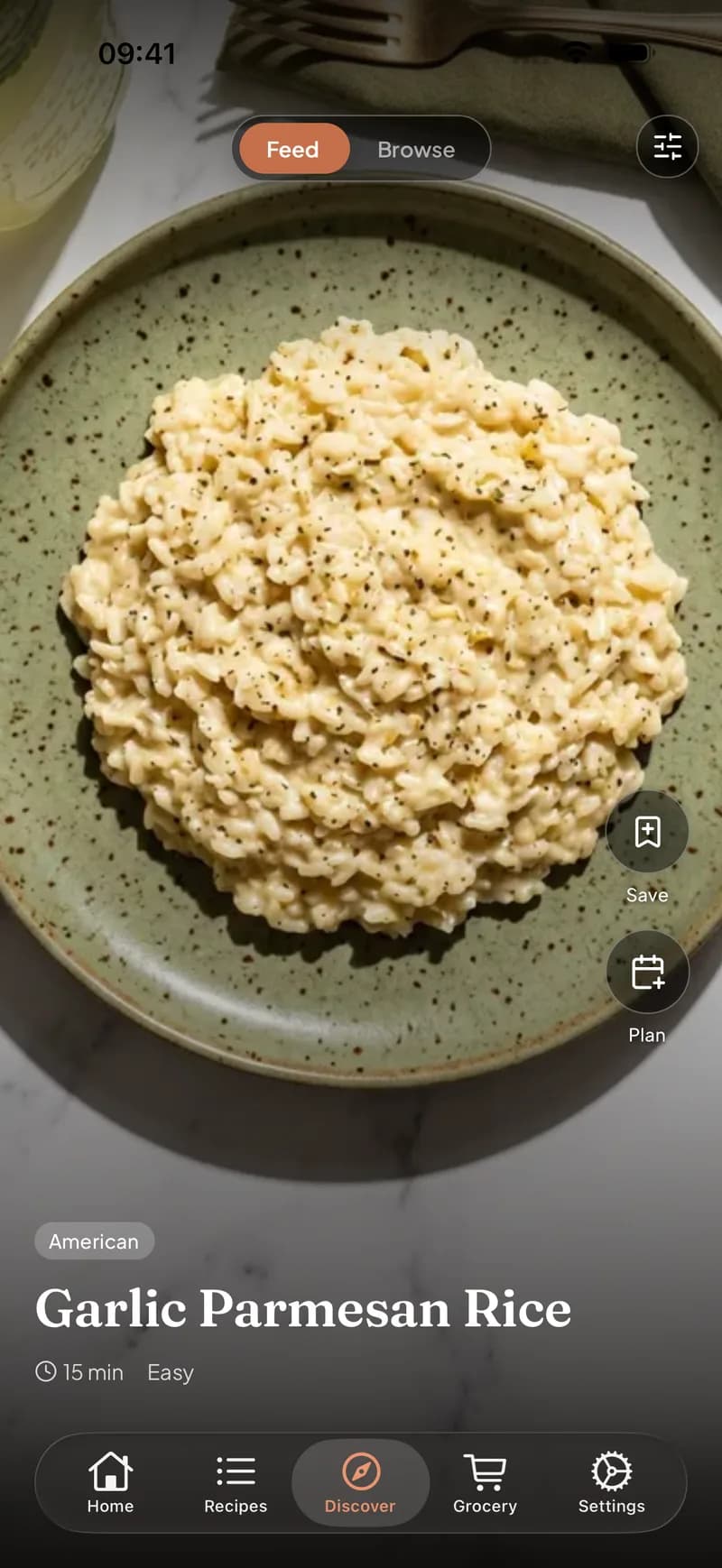
The point of saving a recipe is cooking it. Once the Reel is in your library, it shows up in your discovery feed when you plan the week, its ingredients merge into your shared grocery list, and your household can see it too. The Reel you save tonight can genuinely be Thursday's dinner instead of another bookmark.
Save an Instagram recipe in three steps
- 1
Share the Reel to Clemi
Tap the paper-plane icon under the Reel and choose Clemi in the share sheet, or copy the link and paste it into the app.
- 2
The AI reads everything
Caption, video, and audio are analyzed together, so the recipe is found wherever the creator put it.
- 3
Plan it and shop for it
The structured recipe joins your library, one tap from your meal plan and your grocery list.
Frequently asked questions
Does it work if the recipe is only in the caption?
Yes. The AI reads the caption along with the video and audio, so a caption-only recipe imports cleanly, quantities included.
Does it work with video posts, or only Reels?
Both. Reels and regular video posts import the same way, from any public account, whether or not you follow it.
Why can't I find my saved posts on Instagram?
Saved posts live under your profile menu, in Saved, two taps deep with no search. That burying is exactly why saved recipes rarely get cooked, and why moving them into a searchable recipe library works better.
Can my partner see the recipes I import?
Yes. If you share a Home in Clemi, every recipe you import lands in the household library that everyone can see, plan with, and shop from.
Keep reading
Cook your saved posts for once
Turn tonight's Reel into this week's dinner. Free on iOS and Android.
Get Clemi free